Order Management
8 min
What is an order management system?
An order management system is a software application that automates the entire process of managing orders. It allows you to manage your Price estimation, Quotation, designing, customer data, easy re-ordering, and reports in one place, so you can easily access all this data from anywhere at any time.
Challenges:
- Difficulty in managing and tracking orders manually.
- Inefficient order processing and fulfillment leading to delayed deliveries and dissatisfied customers.
- Inaccurate inventory management leading to overselling and underselling of products.
- Difficulty in identifying and resolving order-related issues quickly.
- Lack of real-time visibility into order status and inventory levels.
Benefits:
- Improved order accuracy and faster order processing leading to increased customer satisfaction.
- Streamlined order management and fulfillment process leading to reduced processing time and cost.
- Centralized order management system leading to better order tracking and faster issue resolution.
- Increased efficiency and productivity of employees as they spend less time on manual order processing tasks.
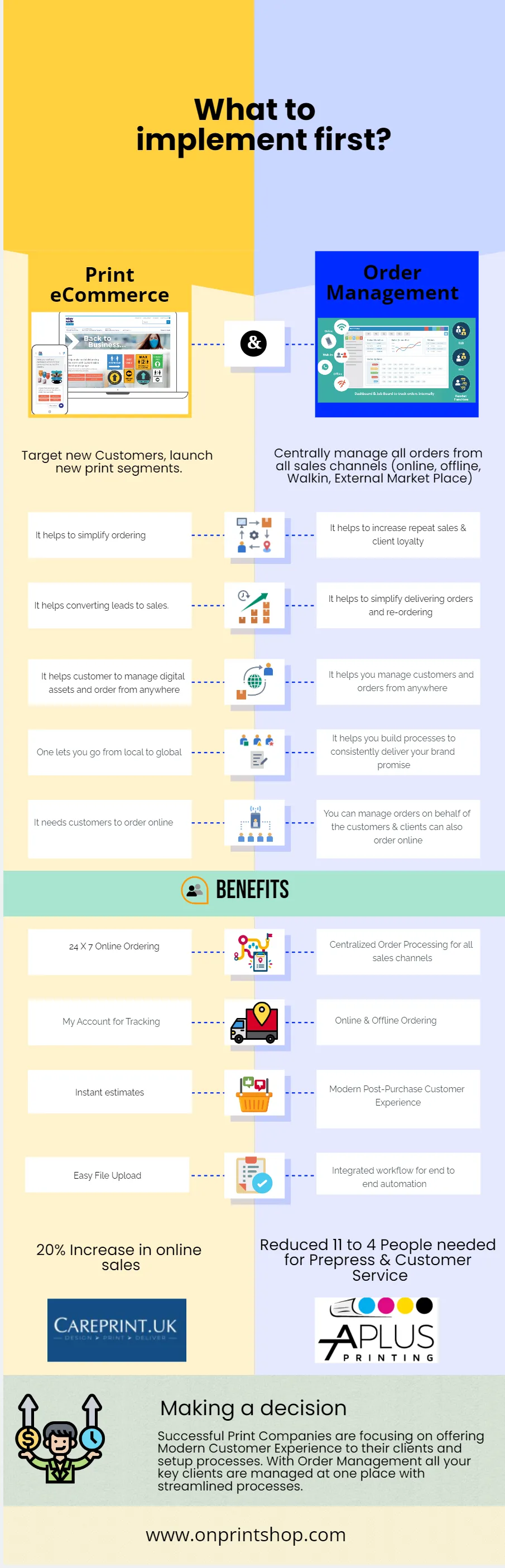
Curious to see how our order management system has worked for other businesses? Check out our case studies to see how our system has made a difference.
Case 1 – Automate existing order (order entry)
- Order received from customer and need order entry for further process.
- This will be helpful in case of adding Orders for KIOSK, Sales Reps, Walk-in customers
- Add Standard (existing product already added in system) and Custom products based on customer request.
- Optional - Raise a Payment Request through admin so the customer can make payments through the website.
- Optional - The design approval process to finalize the design.
- Proofing Tool (Add-on) for the advanced design approval process.
Process
- To add an Order we have 2 options to go with: one is to choose from the Existing product list (if available in the Store) or there is another option for custom requests wherein no need to have products in Store.
- If a customer isn't in the database, we can add them as new customers when we add the order. If the customer is already in the database, we can simply choose them.
- In Design, Approval comes with 2 options: “Ask for approval” which we term Standard approval & “Design Proofing Tool” which is an Add-on. For more information: Video
Case 2 – Quote requested by the customer and automate the flow
- The Client received a Quotation request
- Helpful in case of Estimation requests when asked via email, phone, or Text.
- Quote Estimation Process.
- Quote placed from the website
- Quote placed from Admin backend (Offline)
- Send Email/Download Estimation from the website
Process
- Add a Quote from the admin backend, using customer detail. If the customer is in a database search with name/email or add the new information shared by the customer.
- In the Quote Process, we have 2 options same as Order, one is from the list of existing products and the other is for Custom requests.
- While adding a Quote, if the design is available, the admin can add the same with the Estimation.
- After the Quote is sent to the customer, they can review it and Approve or Reject it with comments.
- Once customers Approve it, they can add/upload their design file and proceed with the checkout steps further. After this process, a new Order will be available in the Order section.
- After Quote is approved, the rest of the process remains the same as the Order.